See what attackers see.
Know what’s real.
Specto+ runs on your own hardware, inside your network. It finds every device it can reach, confirms which published vulnerabilities match the exact software versions you run, and shows you what to fix first.
Specto+ only calls a vulnerability confirmed when it has verified the exact running version against the CVE’s affected range. Everything it can’t prove, it labels needs-review. Honestly. A security tool you can actually trust the red on.
Five questions that
actually matter.
Each pillar answers one question about your network — and answers it from what the appliance can actually prove. It runs inside your environment; your network data stays on the box, except when you turn on a feature that needs an outside service. See What leaves the network? below.
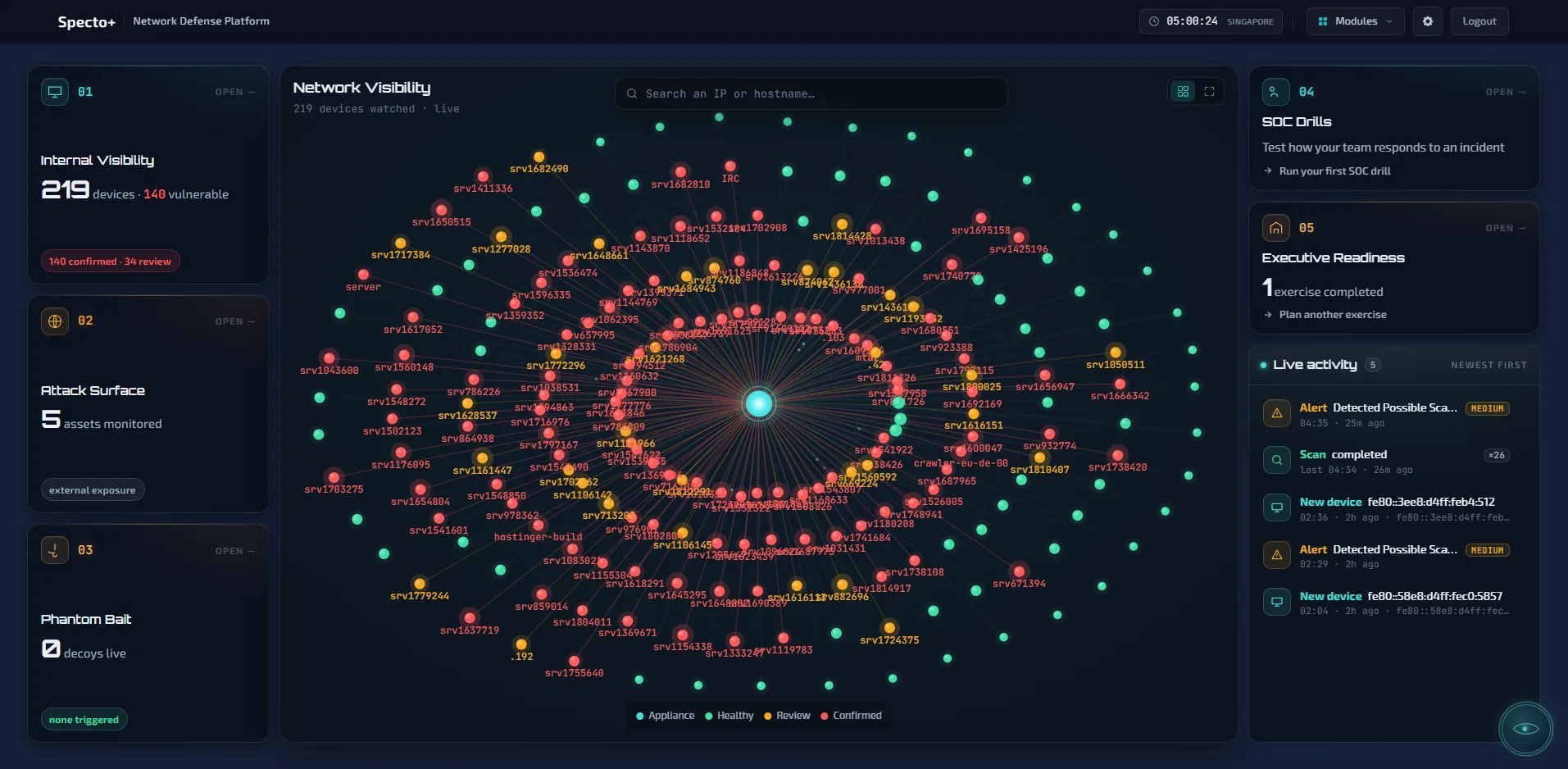
What’s on my network, and what’s vulnerable on it?
Every device it can reach on the network it is connected to, with a full TCP scan of each machine every 30 days — with exposure and anomaly layers on top so the things that matter stand out, and a new-device alert whenever something new joins. Vulnerabilities sit here too, now as a grouped “fix first” list rather than a second device list: version-verified CVEs matched against the CISA list of vulnerabilities attackers are known to use, each shown honestly as confirmed or needs-review. A version match tells you a weakness is present. It does not always mean an attacker can use it on your network, so Specto+ says which is which. Each is tagged with derived categories — remote code execution, denial of service, reachability — so the handful that actually matter surface first. Per-device PDF/CSV reports.
What can an attacker see of me from the outside?
A multi-stage external investigation of your public-facing infrastructure: persistent asset inventory, risk gauge, real attack paths, and an email-spoofing protection check that returns a plain-English SPF/DMARC verdict. CISO-grade PDF reporting — per-asset executive and technical, plus an org-wide posture report.
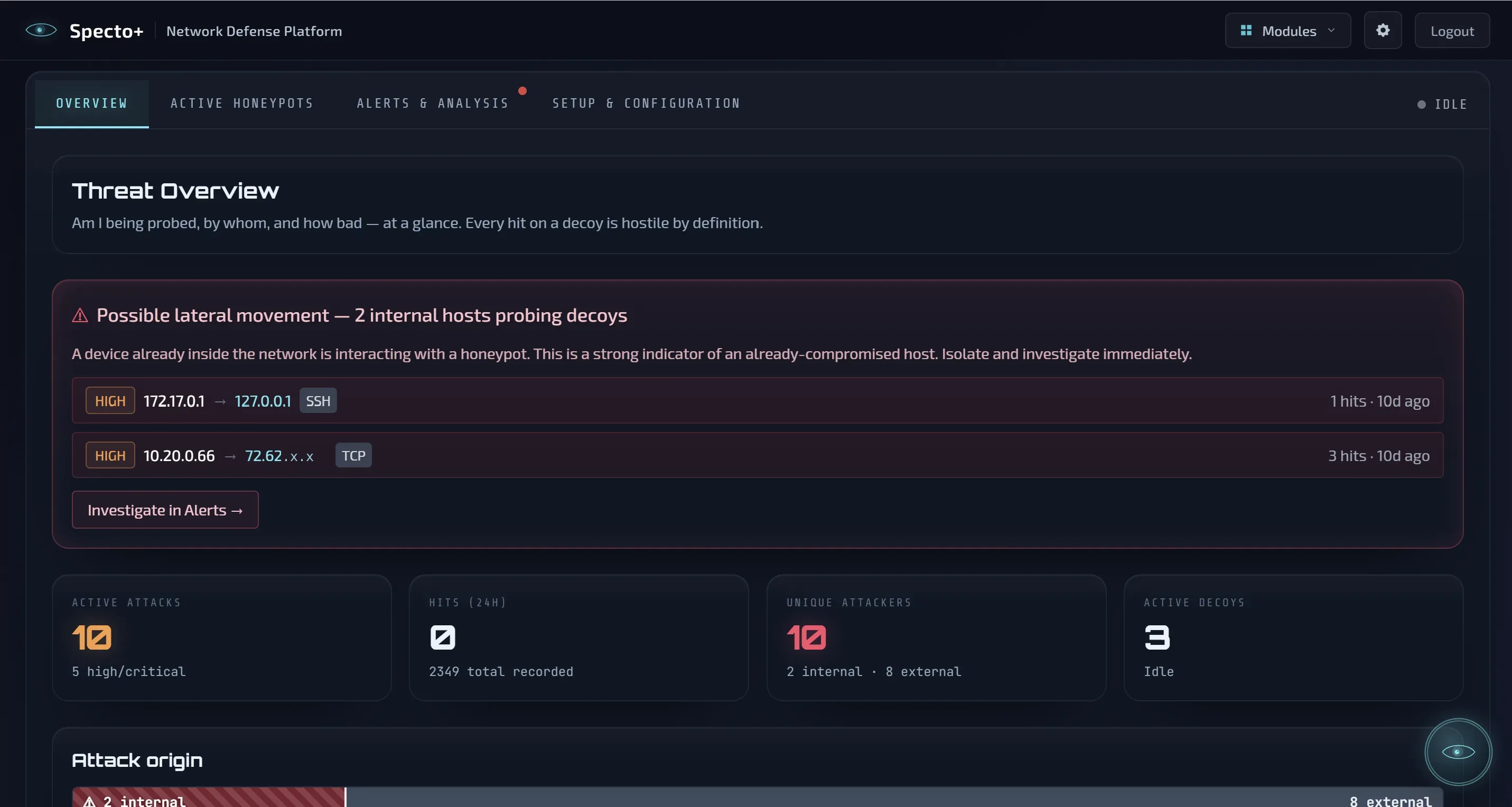
Is anyone touching my decoys?
A decoy that copies one of your real machines, with its own address on your network. No real user has a reason to touch it, so any contact is a strong warning, recorded with packet evidence.
How well does my team respond to an incident?
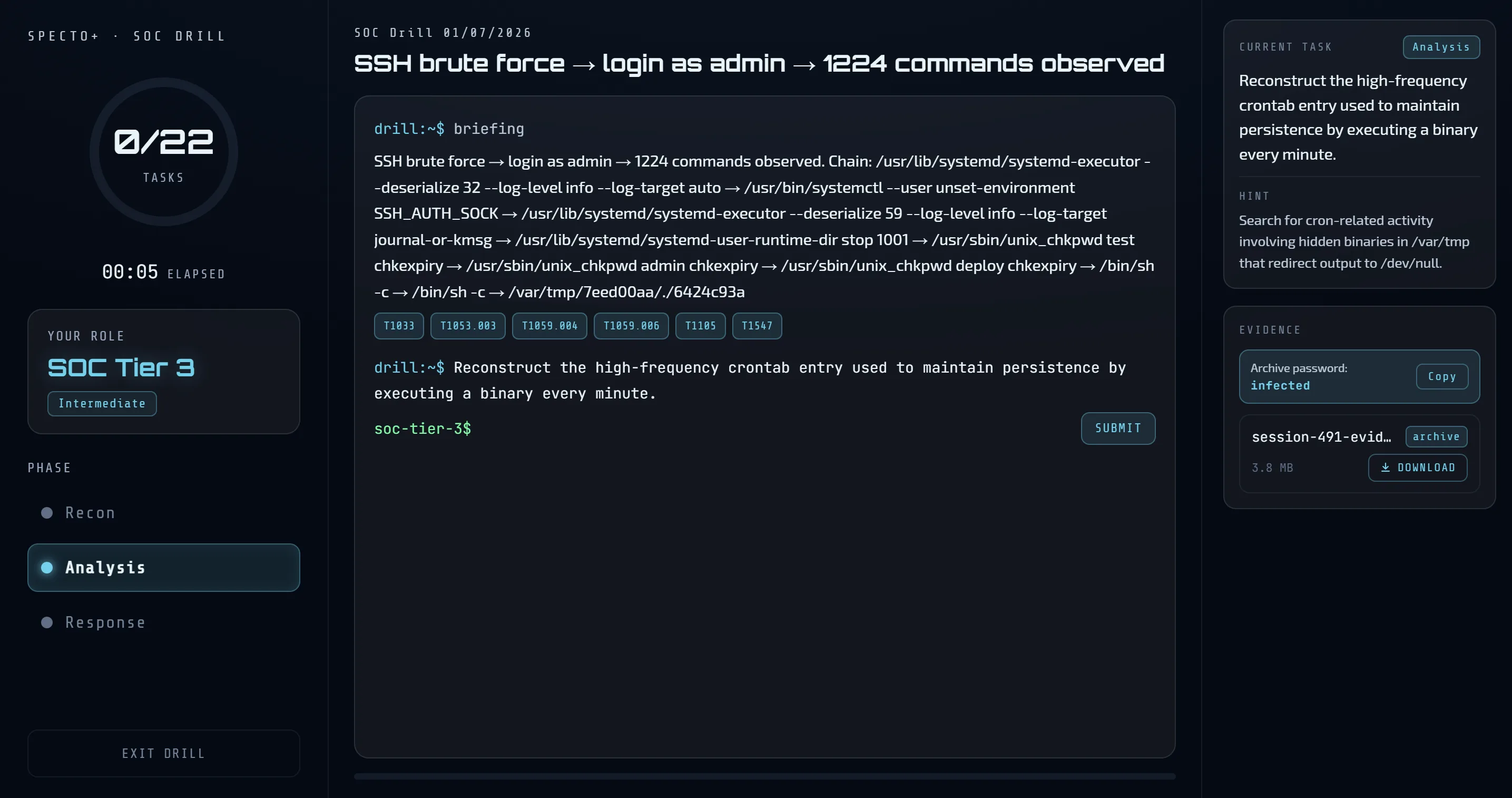
Cyberium-authored, role-tailored incident drills with deterministic scoring. Run a drill and see readiness. SOC drills come from the Cyberium academy.
Is leadership prepared to make decisions in a crisis?
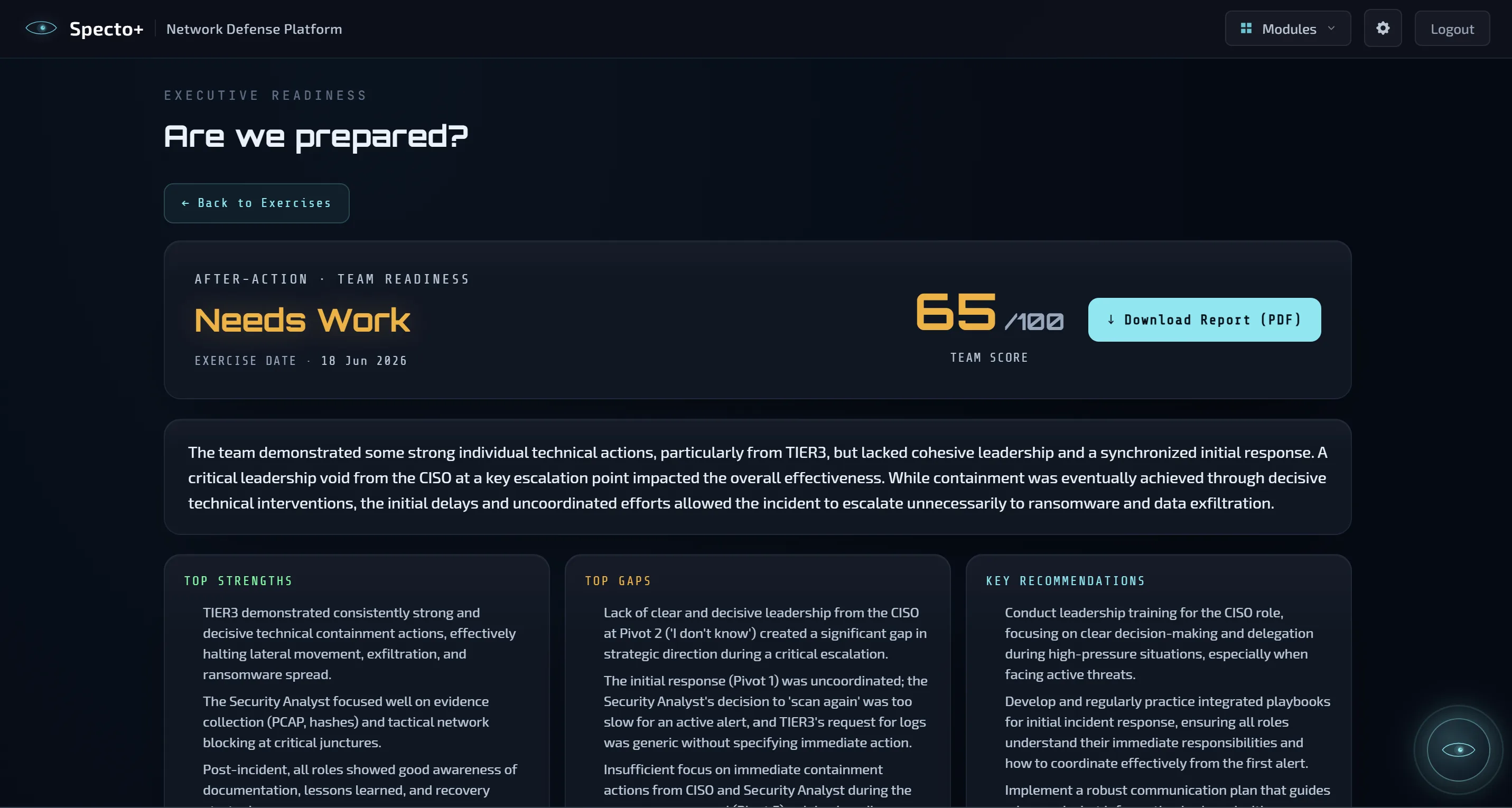
AI-guided tabletop drills grounded in your real, current posture. Run it with your managers, get a scored after-action report with a decision map. Uses your own AI.
Two more layers, wired in.
An advisor held to the facts.
An AI advisor wired to your real environment, held to the facts. “What’s my biggest risk?” — grounded answers, not generic chatbot output.
Cy runs on your own AI. Free: your own cloud key (Anthropic, Google or OpenAI), after a consent screen. Paid: also a model you run on your own network (for example Ollama). ThinkCyber charges nothing for AI.
See a machine. Act on it.
Reach your Windows and Linux machines from Specto+. See their hardware, security state, programs, admins, shares, startup items and who is logged on. Restart or stop a service, find a file, remove software or a browser extension, or isolate a machine from the network.
A person approves every change. Nothing changes on its own. Part of the paid edition.
Start free. Unlock the rest.
Internal Visibility is free on every device, for ever. Try every paid module free for 30 days.
| Free | Paid | |
|---|---|---|
| Internal Visibilityevery device, open ports, version-matched vulnerabilities (CISA known-exploited ones highlighted), network alerts | ✓ | ✓ |
| Attack Surfacewhat your internet-facing addresses show an attacker | — | ✓ |
| Phantom Baita decoy inside your network that nobody should touch | — | ✓ |
| SOC Drillshands-on incident drills for your security team | — | ✓ |
| Executive Readinesscrisis exercises for managers | — | ✓ |
| Endpoint Controlact on Windows and Linux machines, a person approves every change | — | ✓ |
| Cy, the AI advisoron your own AI | ✓your cloud key | ✓ |
| Devices | No limit | No limit |
| Traffic recordings | 5 GB, oldest deleted first | You set the size |
| Time limit | None | Yearly licence |
Several offices or separate networks? One box per network. Connect extra boxes to one main box, and see every site from the main box.
Designed to connect with
Cyberium.
Specto+ shows you real exposure, suspicious activity and findings in your network. Cyberium is where your team trains on attacks just like them. Two products, one company — detection and training from the same team.
What leaves the network?
Findings, devices and captured traffic stay on your box. This is everything the box connects out to, and when.
- Vulnerability knowledge from NIST (every 2 hours) and CISA (every 6 hours), so the box knows newly published weaknesses. Your device list is not sent.
- Software update checks: off until you switch them on.
- Cy: only if you add your own cloud AI key. Your question, plus the findings Cy needs to answer it (device names, addresses, vulnerabilities, alerts), go to the AI provider you chose. You confirm this on a consent screen before the key is saved.
- Activation and renewal: the box contacts ThinkCyber once when you enter a code. There is no scheduled check-in.
- SOC Drills: the roles, experience level and language you choose are sent to ThinkCyber, and the drill comes back. No network data.
- Attack Surface: scans reach your own public addresses and domains. Your domain name is looked up in public certificate, subdomain and domain-ownership sources (such as crt.sh and RDAP). Public cloud storage (Amazon, Google, Azure) is checked for buckets named after your company.
- Threat-intel and breach lookups: the public address or domain being looked up goes to the lookup service, through ThinkCyber's service or with your own keys.
- Leaked-code search: GitHub, only if you add a token.
- Login-page copy detection: uses a relay run by ThinkCyber, only if you switch it on.
- Alerts to your own webhook (Slack, Teams or JSON).
- Location lookups for outside addresses (ipinfo.io): off by default. When off, locations come from a database on the box.
Free needs no licence code and makes no call to ThinkCyber at setup. Nothing ever connects in from ThinkCyber.
Get Specto+ in your network.
Specto+ is self-hosted. Findings, devices and captured traffic stay on your box. Optional features connect out, and you choose which. Nothing ever connects in from ThinkCyber. Request a 30-day trial and the team will set it up with you.